
Notifications section allows you to configure up to 3 different email addresses which will receive notifications and adjust how often you receive them.

Right now, we have inventory reports that give you an overview of how many products are out-of-stock, need to be reordered, etc. but we plan to also have low stock and out of stock alerts for products in the future.
Inventory reports
Here’s an example email you can expect to receive for the inventory report:
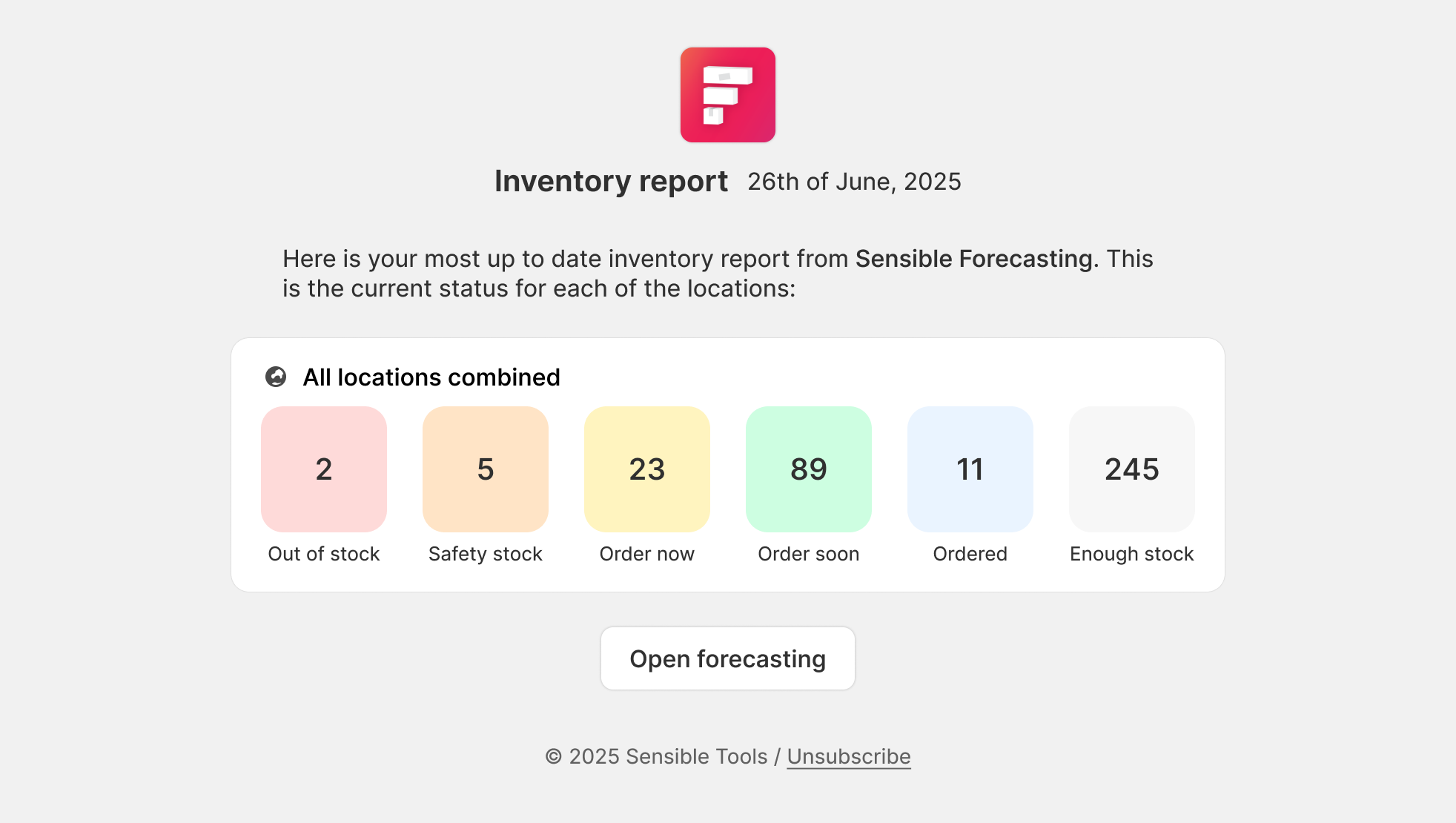
In the settings menu, you can configure on which days of the week you wish to receive the inventory reports on. By default, it's set to be sent 1x / week on Mondays to help you get a clear picture when starting your work week.
To stop receiving email notifications, you can either remove all email addresses from the list or unselect all days under inventory reports.