
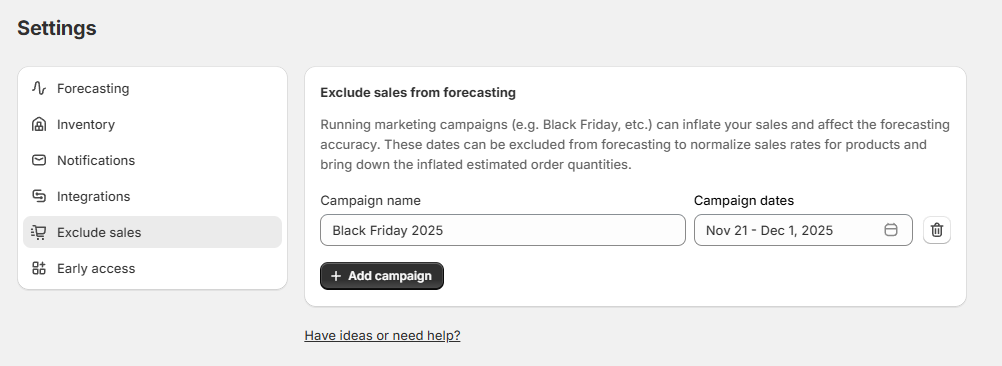
Running marketing campaigns (e.g. Black Friday, etc.) can inflate your sales and affect the forecasting accuracy. These dates can be excluded from forecasting to normalize sales rates for products and bring down the inflated estimated order quantities.
To exclude sales, go to Settings → Exclude Sales, add a campaign name and enter dates for which the sales campaign was active. These dates will not be used to calculate sales rate and predict demand.

Currently, it's only possible to exclude up to 30 days of sales at a time.